Choose a makeup test goal
Pick by daily wear, dating, photos, events, or evening occasions so the test starts with a real use case.
Upload a selfie, run a practical makeup test, and compare AI makeup try on previews before buying products, following a tutorial, or choosing a virtual makeover direction.
Start free · Choose a plan only when you need more


The best look is not always the strongest one. It is the one that helps you look stable in photos, interviews, dates, or social settings.

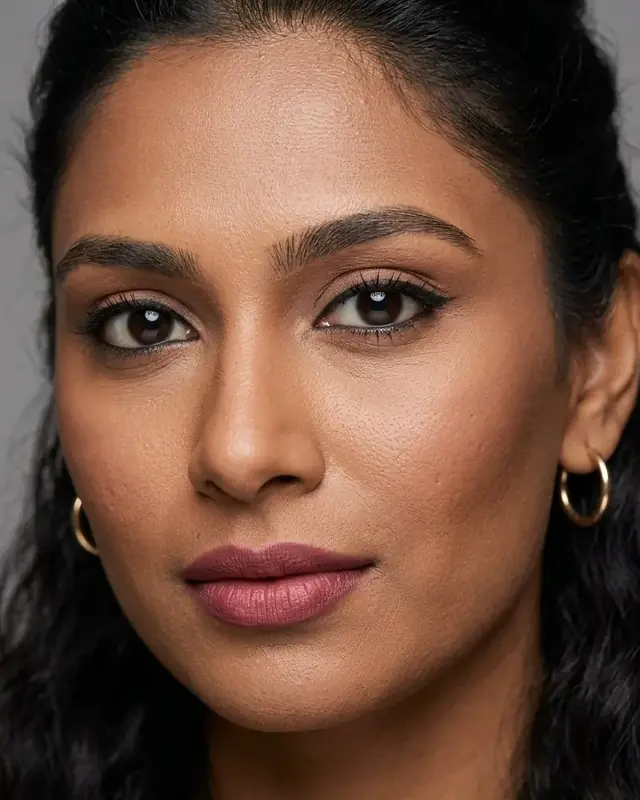
A peach-toned lightweight base helps tired skin look more awake.

Clean brows, defined eyes, and natural color keep the focus on your expression.

Low-saturation rose milk tones soften lips and cheeks without looking heavy on camera.
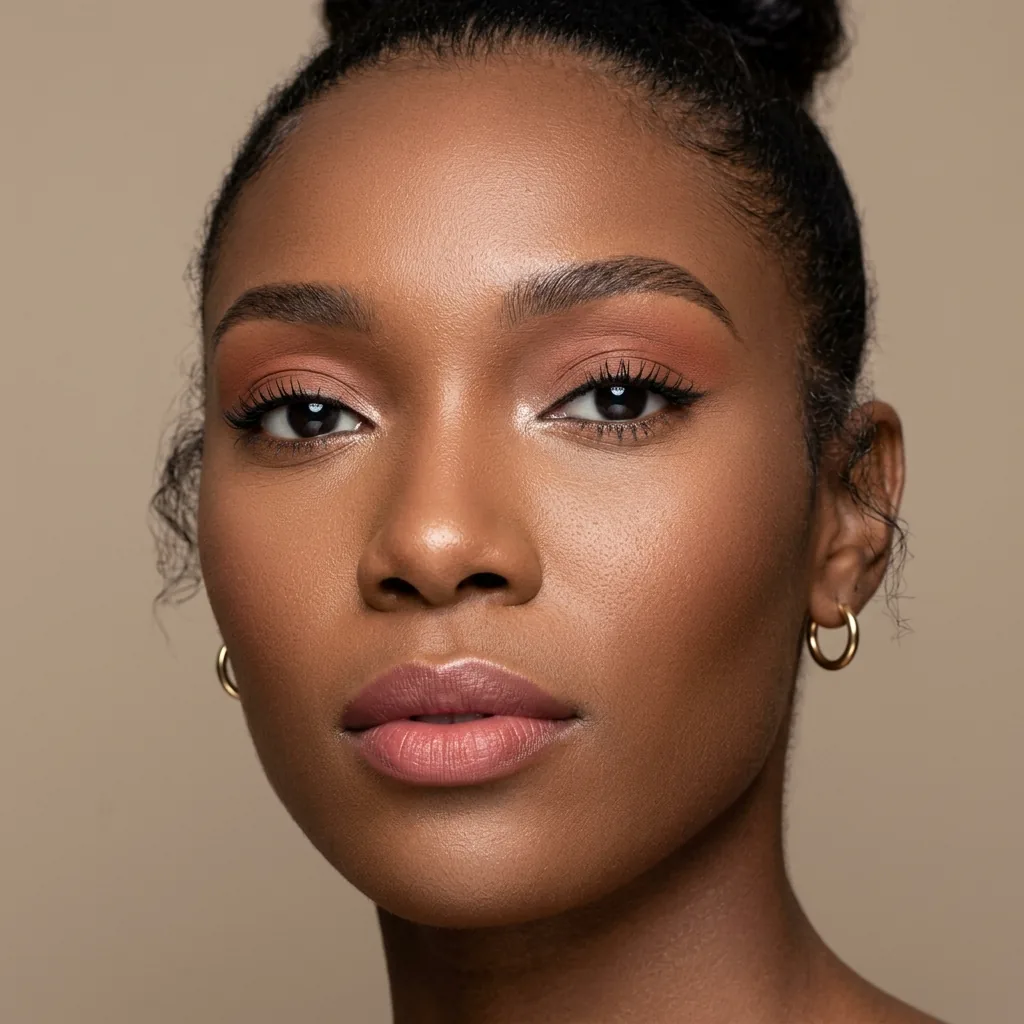
A satin finish controls reflection for flash photos and close-up shots.
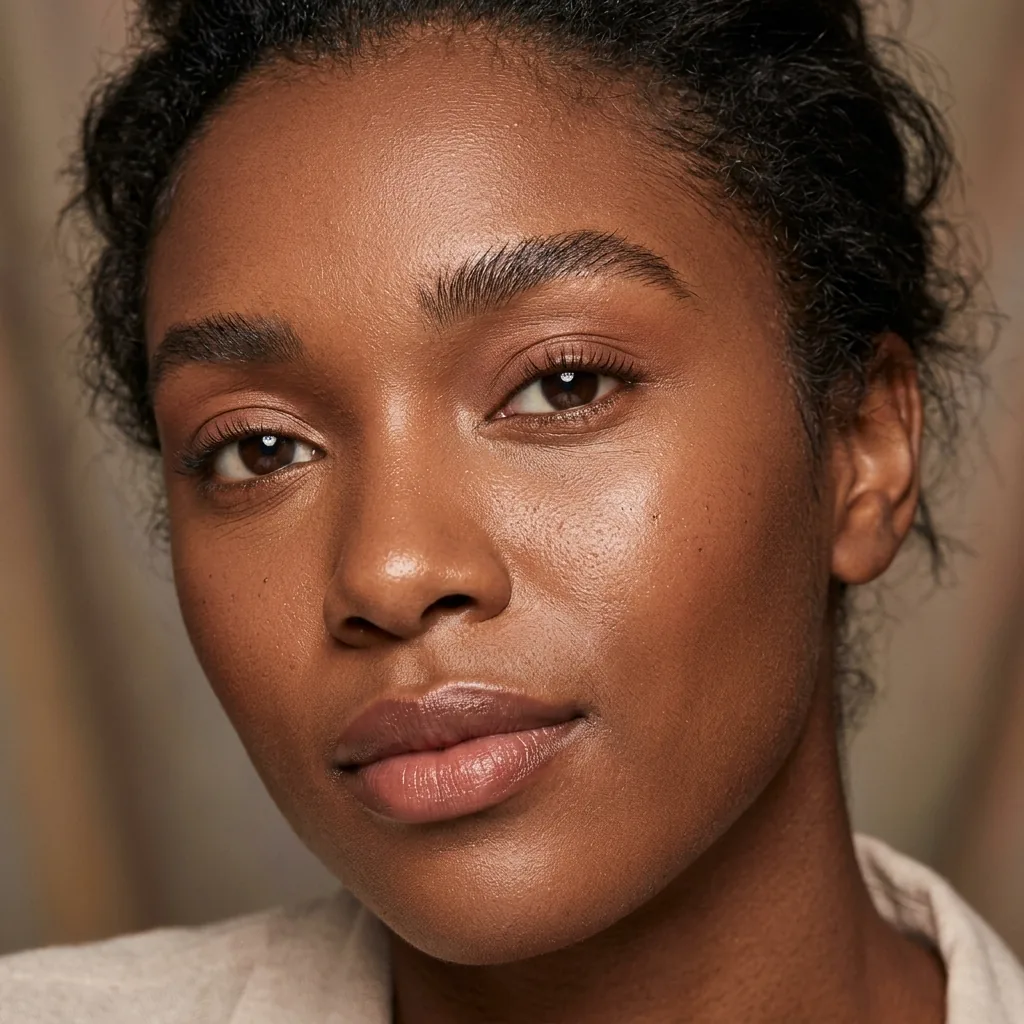
Keeps skin texture visible while adding soft brightness and freshness.
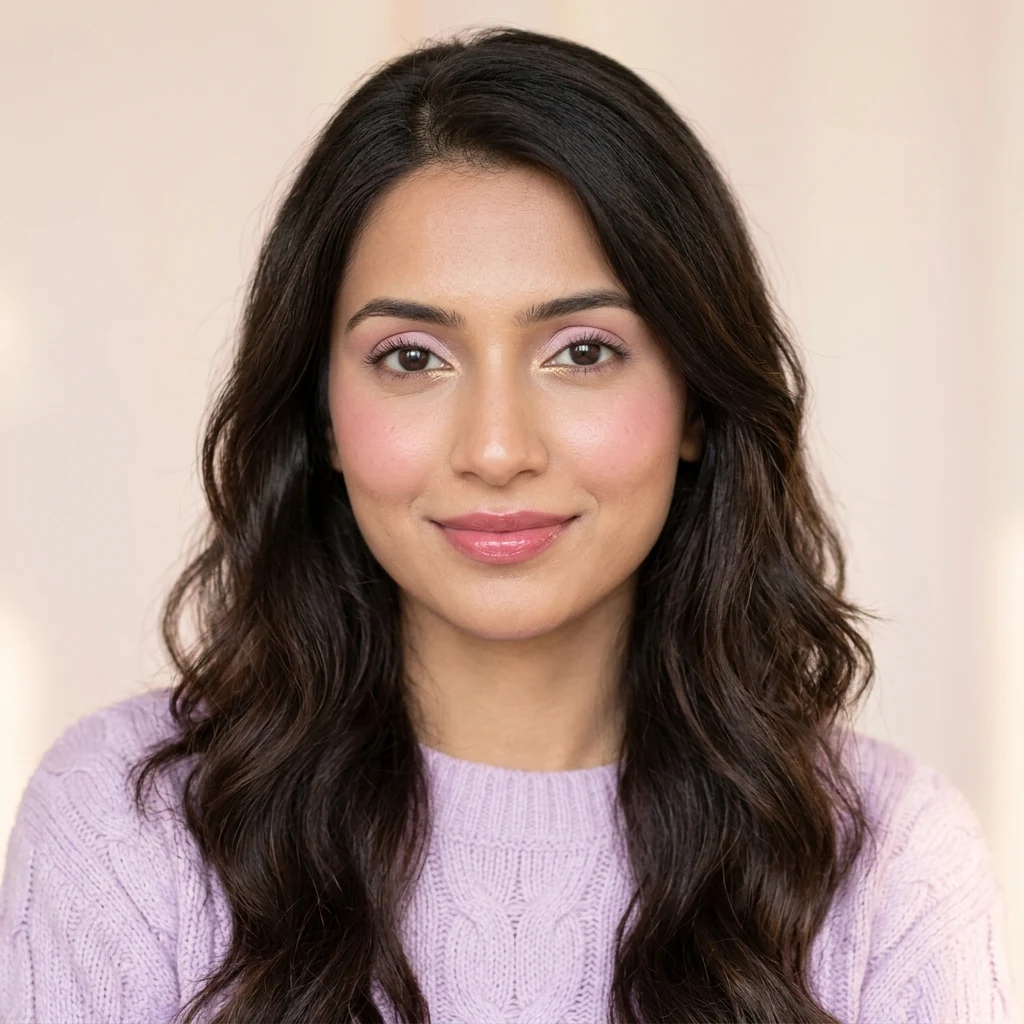
More complete than daily makeup without stealing the spotlight.
Browse the look first, upload a selfie only when ready, then judge whether the makeup try on result fits your features, skin tone, and scenario.
Pick by daily wear, dating, photos, events, or evening occasions so the test starts with a real use case.
Use a clear front-facing photo and confirm consent before the AI makeup app starts generation.
Check complexion, structure, color balance, and finish before saving or trying another look.
 Peach Glow Commute
 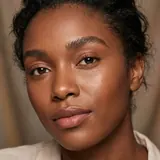 No-Makeup Look
  Rose Milk Date
 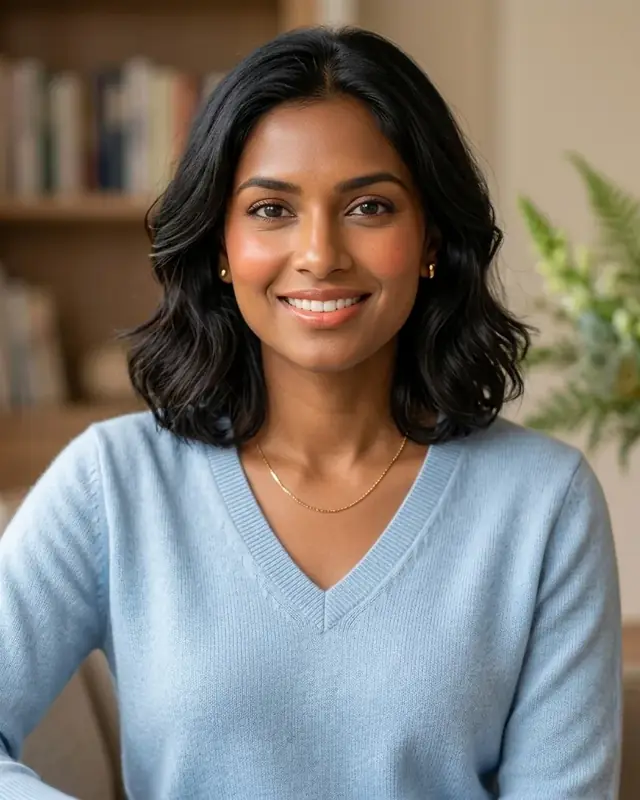 AI-generated preview
 Privately transfer eyeshadow, liner, blush, lip color, and finish from any makeup inspiration to your selfie—without copying the reference person’s identity, hair, or background.
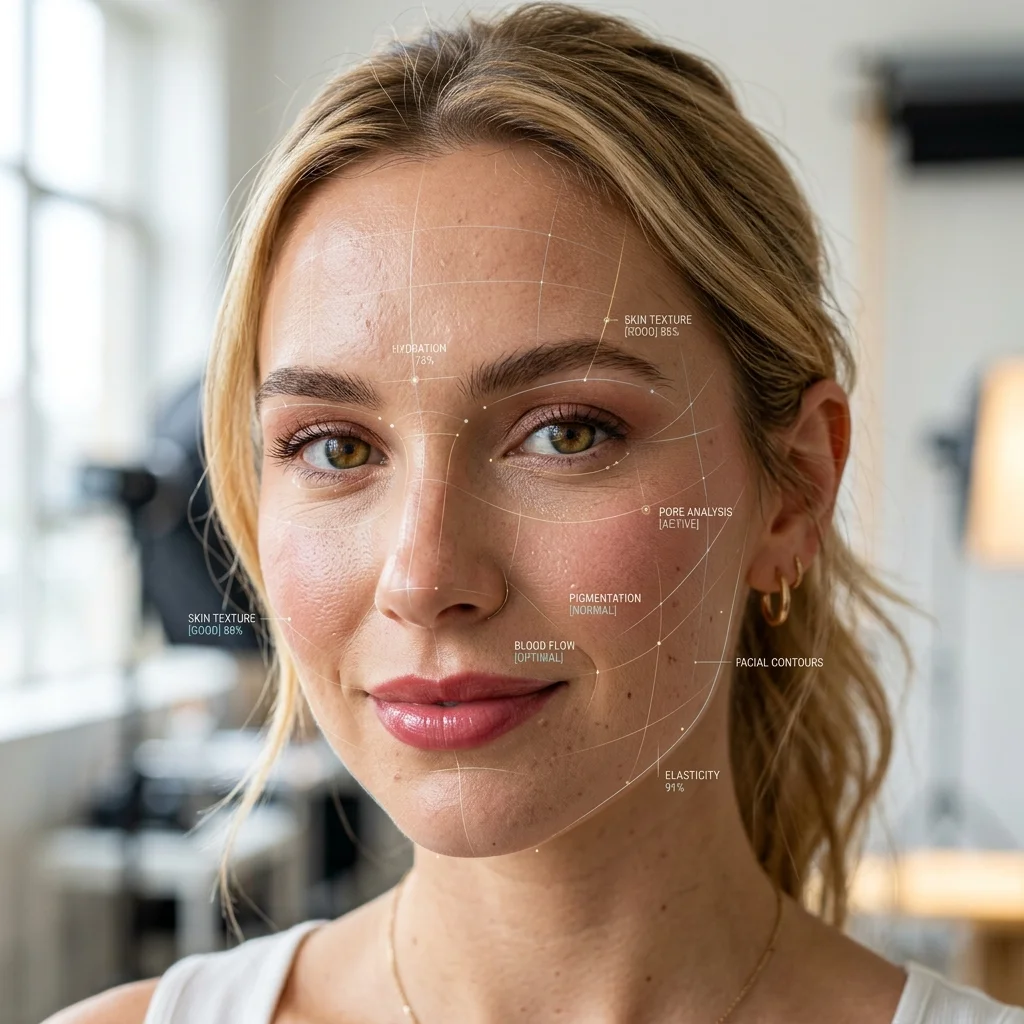
The system focuses on facial lighting, skin tone makeup harmony, makeup edges, and scenario needs to help you rule out poor-fit looks faster.
Preserves the original light and shadow as much as possible to reduce a mask-like finish.
Compares whether lip, cheek, eye, and base colors work with your visible skin tone instead of copying a model photo.
Work, interviews, dates, and photos each need a different makeup intensity.
Photo processing is confirmed before upload, and results can be deleted in the workspace.
Instead of abstract star ratings, we connect the scenario, visible change, and judgment criteria so each makeup try on result leads to a clearer decision.
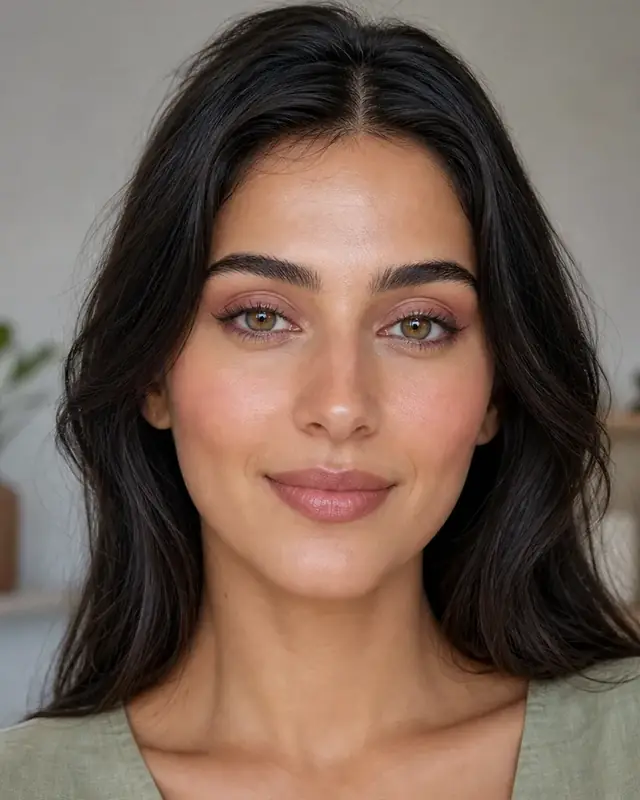 Decision example · Skin-tone harmony
 A restrained rose tone helps you assess the relationship between lip, cheek, and skin tone.
Check: a clear complexion and naturally fresher lip-cheek color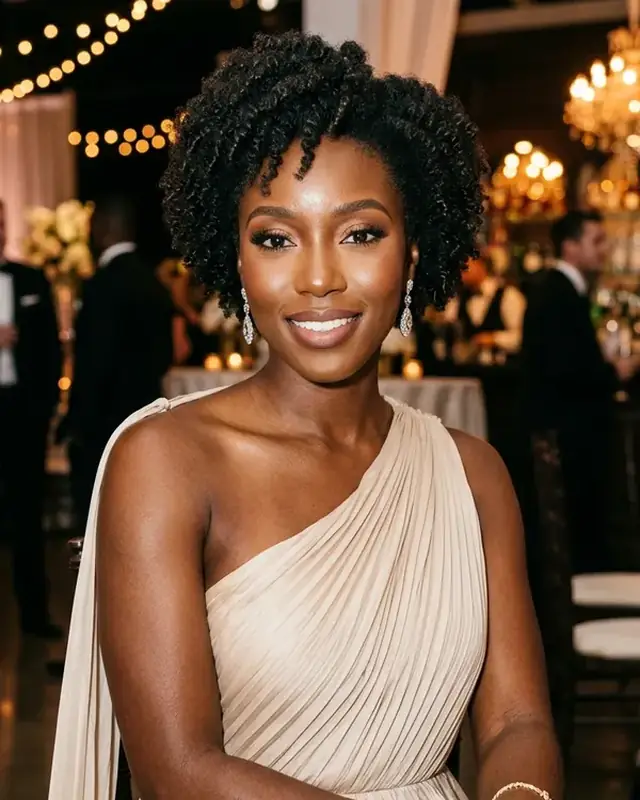 Decision example · Photos
 A satin finish keeps dimension while controlling areas that can overexpose.
Check: T-zone reflection and enough lip color on camera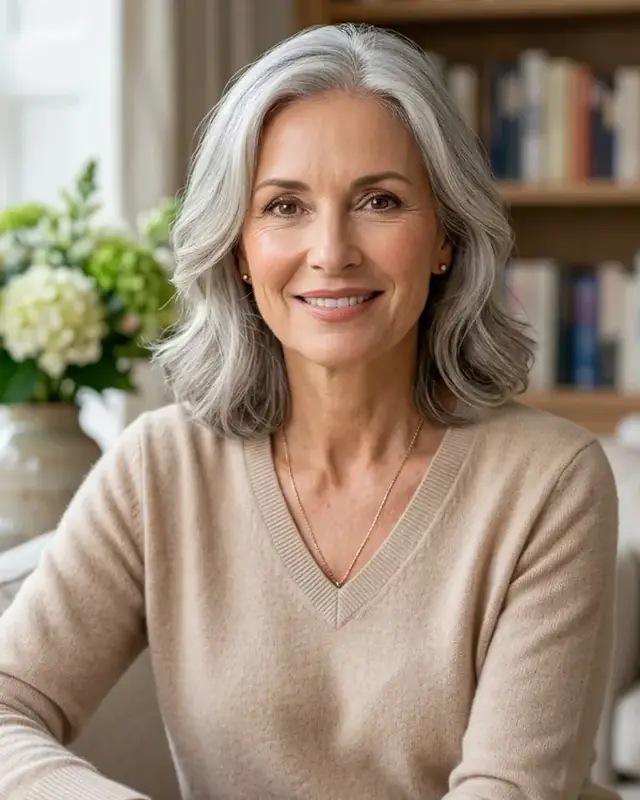 Decision example · Mature skin
 Soft illumination helps with dullness without creating an over-smoothed mask effect.
Check: natural texture and a brighter, more rested center faceStart with the scenario Work, dates, and photos each need a different makeup intensity.
Keep real skin texture Judge whether the look fits instead of judging only smoothing.
Use the result to decide Compare complexion, structure, and finish before trying again.
Browsing looks uses no quota. Generation starts only after you confirm upload, and originals and results remain manageable.
Start Free Try-OnYour selfie enters the try-on flow only after you explicitly agree.
Manage original selfies, try-on results, and diagnosis records separately.
Quota is used only when generation begins, and failed tasks return credits.
Premium adds private reference makeup transfer, priority generation, the full look catalog, and longer history for frequent comparisons.