
Upload the reference
Choose one clear face where eyes, cheeks, lips, and base finish are visible.
Create a realistic makeup preview on your selfie from a curated look or a private reference image. Compare color, placement, intensity, and finish without replacing your face.
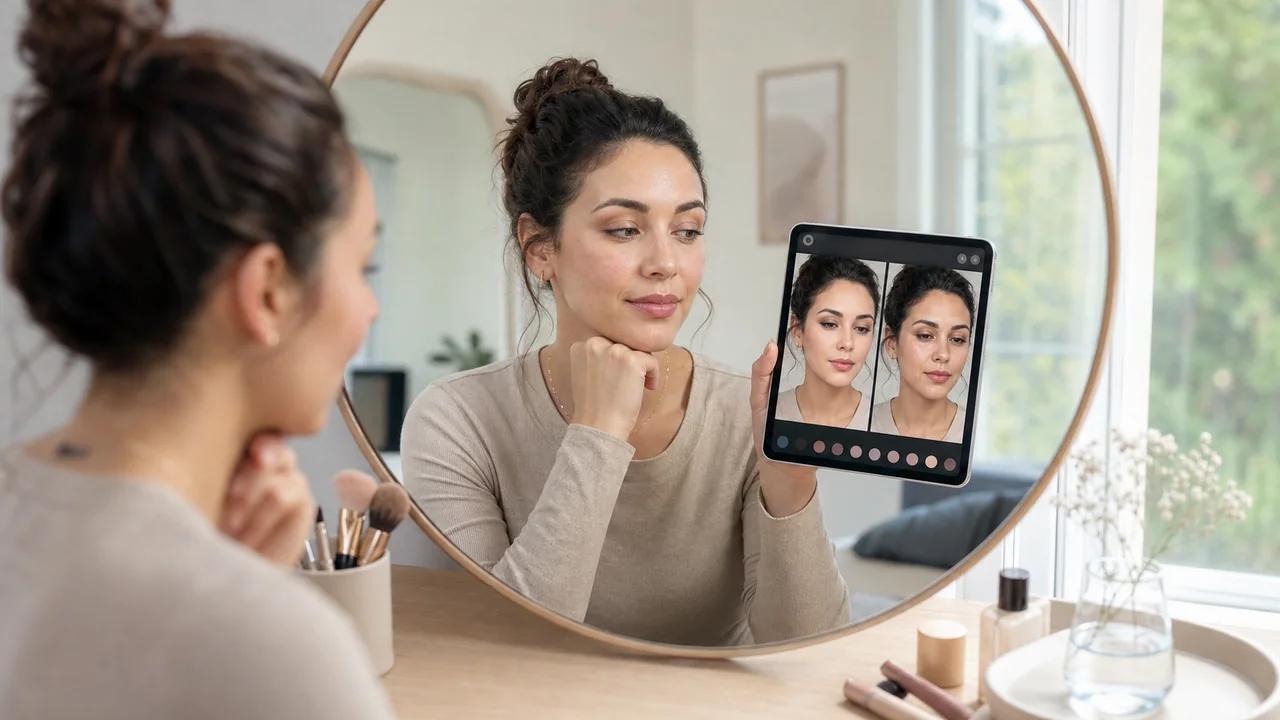
A useful makeup generator should start with the decision you are trying to make. Browse the look library when you need direction. Use a reference image when you already know the makeup you want to evaluate.
| Mode | Best when | Input | Availability |
|---|---|---|---|
| Look library | You want curated ideas by occasion and finish | One selfie | Free, Pro, Premium |
| Reference transfer | You already have a specific makeup inspiration | Reference + selfie | Premium |
The generator is most useful when you need a visual answer before you spend money, book an appointment, or try to copy a tutorial. It turns a makeup idea into a face-specific preview.
| Search intent | Best page mode | What you should compare |
|---|---|---|
| Create makeup on my photo | Look library | Overall style, color family, and intensity. |
| Generate makeup from a reference | Private reference transfer | Eyeshadow shape, lip color, blush placement, and finish. |
| Try a trend before buying products | Catalog style plus tutorial | Whether the trend fits your skin tone and face shape. |
Choose one clear face where eyes, cheeks, lips, and base finish are visible.
A front-facing selfie in neutral light gives the generator a stable identity and skin-texture source.
The AI adapts cosmetic placement to your proportions without copying the reference person’s face, hair, clothing, or setting.
A strong AI makeup generator should change the makeup, not the person. The reference image provides cosmetic direction only: palette, eye placement, lip finish, blush shape, base finish, and contrast. Your selfie remains the identity source.
This matters when you are copying a celebrity, creator, or saved inspiration photo. The useful result is not a new face. It is a practical preview of whether that makeup direction can work on your own features.
The generated image is a makeup planning reference. Foundation formula, skin preparation, brush technique, and real-world lighting still affect the final result.
Reference mode is deliberately separate from public sharing. The reference is stored privately for reuse, the generated result stays in your account history, and the server checks ownership before serving either image. Deleting a reference removes its private source image.
Use Premium reference try-on to evaluate that direction on your own face.
Start Private Reference Try-OnAn AI makeup generator creates a visual makeup preview on an uploaded portrait. AI Beauty Stylist supports curated catalog looks and a Premium reference mode that uses one image for makeup direction and your selfie as the only identity source.
Yes. Upload your selfie, choose a catalog style or private reference image, and the generator creates a makeup preview on your own face. The result is meant for deciding color, placement, finish, and intensity before you recreate the look in real life.
Yes. Premium members can upload a private makeup reference, then upload a selfie to transfer the reference colors, placement, intensity, and finish to their own face.
A makeup photo editor usually focuses on retouching or changing a finished image. This generator is built for makeup decisions: it compares a style direction on your own face and keeps the reference person separate from your identity.
The generation instructions preserve the selfie’s identity, facial structure, expression, hair, clothing, lighting, and background. AI output can still vary, so treat the image as a visual decision aid rather than an exact guarantee.
No. Private reference templates do not appear in Discover and cannot be turned into public share cards. They are served through owner-authenticated endpoints and can be deleted by the account owner.