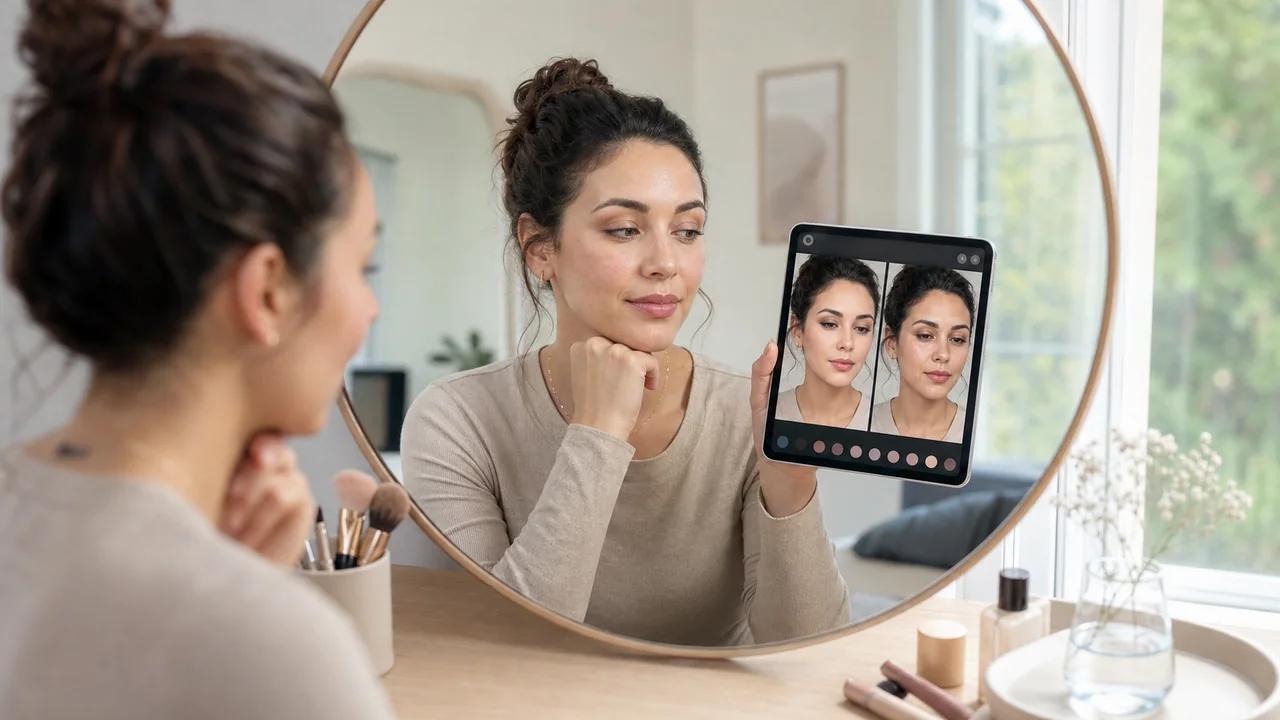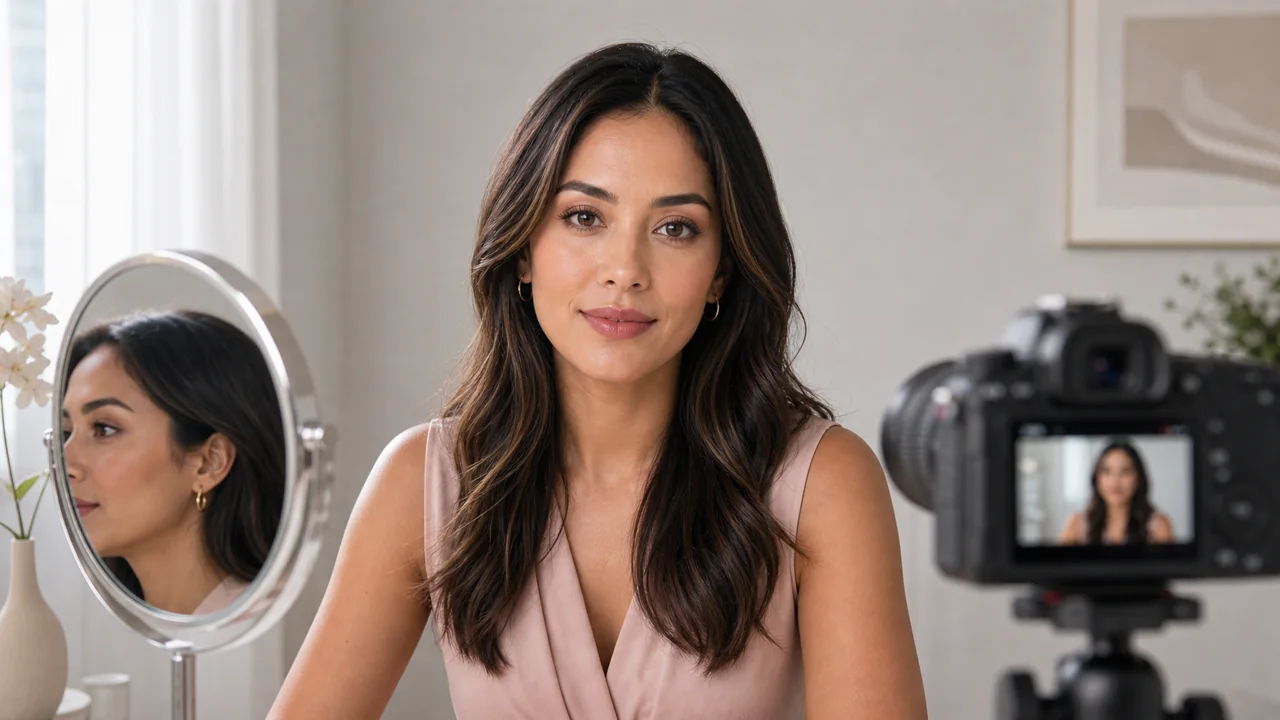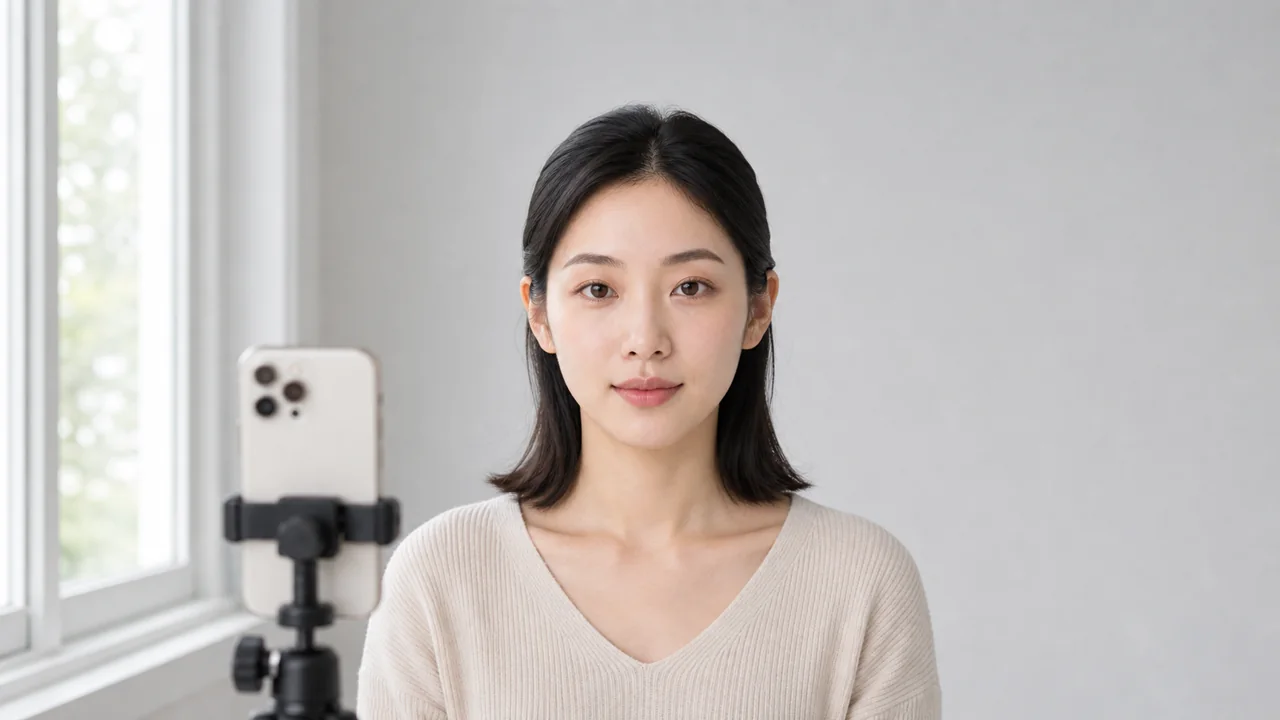
AI try-on is only as useful as the photo it receives. A clean, consistent input helps the system keep your features stable while changing the makeup direction.
Use even light
Face a window or soft indoor light. Avoid strong side shadows, colored bulbs, and backlight, because they make skin tone and placement harder to read.
Keep the angle simple
A front-facing photo with relaxed expression is best for comparing looks. Save dramatic angles for later once you know the direction works.
Reduce distractions
Move hair away from the face if it covers brows, eyes, or cheeks. Avoid sunglasses, heavy filters, and busy backgrounds.
Use enough resolution
The image should show eyes, lips, and skin texture clearly, but it does not need to be a studio portrait. Blur is more damaging than a normal phone photo.
Compare from the same baseline
When testing multiple looks, reuse the same photo. If both the photo and makeup change, you cannot tell which variable caused the result.
Make the output actionable
A good input photo turns AI try-on into a comparison tool instead of a random image generator.
Use a baseline photo checklist
A baseline photo is not a beauty portrait. It is a controlled input that helps the system change makeup while preserving identity. Consistency matters more than styling.
Protect privacy while improving quality
Crop out unrelated people, documents, addresses, and screens. A cleaner image is both safer and easier for the system to interpret.
- Take one neutral baseline photo for comparisons.
- Use the same photo across several looks.
- Discard results that change identity before judging the makeup.
After preparing the photo, compare outputs with the AI try-on reliability guide. If the goal is camera readiness, use the lighting checks in the camera vs real-life guide.